
Oct 6, 20267 min read
7 Best Tools for Tour Creators to Use in 2026
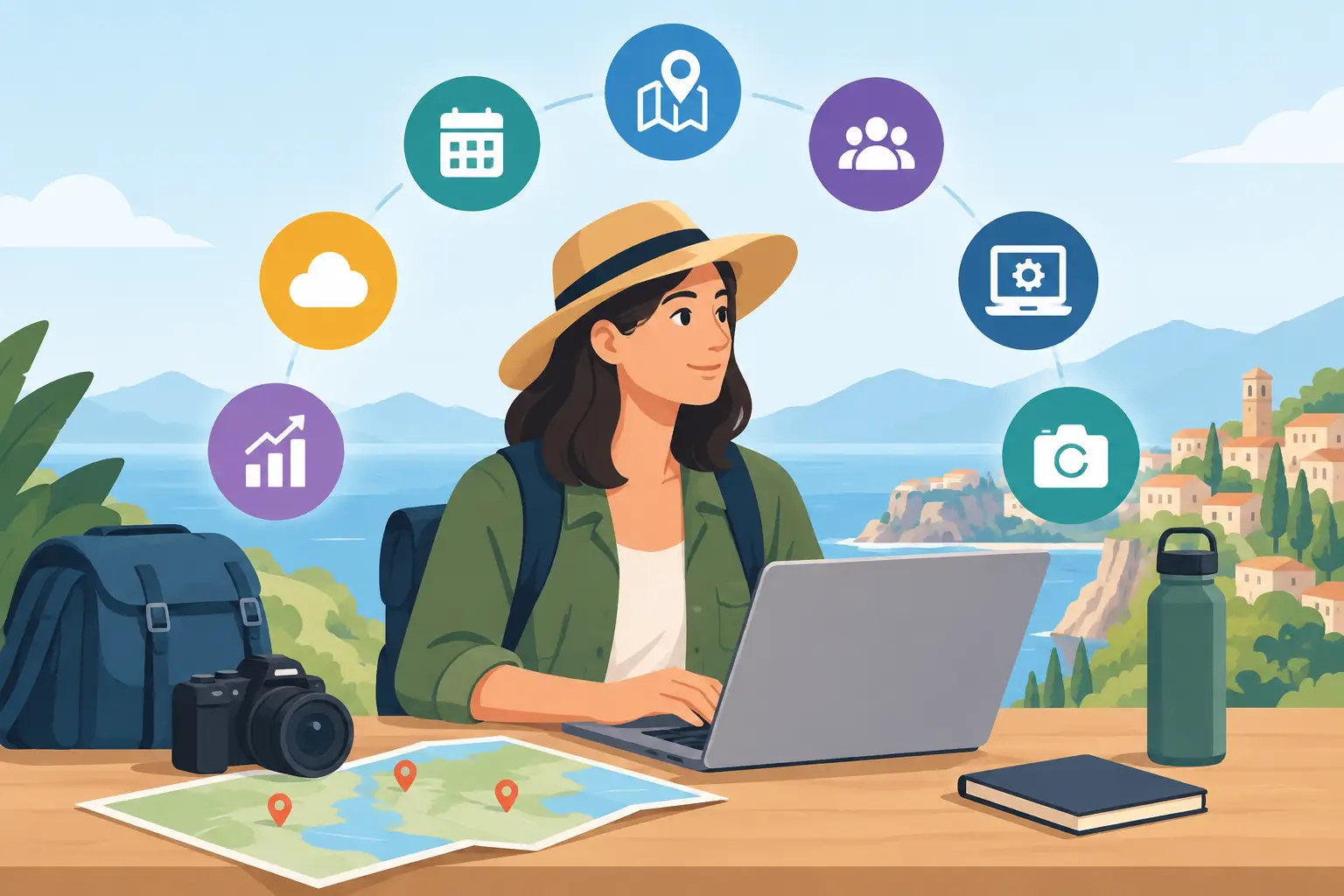
A great city tour can begin with one overlooked doorway, a strange local legend, or a view that makes people stop walking. The challenge is turning that moment into an experience people can actually find, follow, share, and buy from their phones. The best tools for tour creators do more than organize a route. They help transform local knowledge into an active adventure.
For guides, tourism teams, museums, and independent storytellers, the right stack depends on the kind of experience you want to create. A classic audio walk needs different technology than a GPS-driven treasure hunt. A one-time corporate activation has different needs than a tour designed to sell every day of the year.
Here are seven tools and tool categories that help creators build tours people remember long after they leave the city.
1. Interactive tour-building platforms
A dedicated tour-building platform should be the center of your operation if your experience lives on a traveler’s phone. It brings together stops, maps, media, navigation, access control, and often the features that make an ordinary route feel like a real-life exploration game.
Look for a platform that supports location-triggered content, flexible route logic, quizzes or challenges, image and audio uploads, and branded publishing. GPS validation matters when you want participants to physically reach a place before revealing the next clue. That small mechanic changes the energy of a tour: visitors stop scrolling through a list and start exploring.
Leplace is built for this more active format, combining self-guided mobile tours with gameplay mechanics such as virtual collection, treasure hunting, challenges, and place-based storytelling. It is a strong fit for creators who want to package a city walk as an interactive product rather than a passive digital guide.
The trade-off is creative discipline. More features do not automatically create a better experience. If every stop has a puzzle, visitors can lose the story. Use interactions to create momentum, not to distract from the place itself.
2. Route-planning and mapping tools
The route is part of the story. A well-planned walk manages energy, traffic crossings, rest points, weather exposure, and the emotional rhythm between major reveals. Mapping tools help creators test distance, estimate walking time, identify elevation changes, and make sure the route works beyond a desktop screen.
Start by walking the experience yourself with a phone in hand. A route that appears efficient on a map can fail because a plaza is closed for construction, a shortcut has poor signage, or a busy crossing breaks the mood. Test it during the same time of day your guests are likely to take the tour.
Mapping tools are especially useful for building options. You might offer a 45-minute express route for lunch-break explorers and a 2.5-hour version that includes deeper stories, food stops, or a final reward. The route should feel intentional, not simply like a collection of pins.
Build for real-world friction
Leave room for the unexpected. Include clear directions at confusing intersections, give guests a way to skip a stop, and avoid making one inaccessible street ruin the whole experience. Self-guided tours succeed when users feel free, not abandoned.
3. Visual design tools
Your tour’s visuals are often the first promise a traveler sees. The cover image, stop cards, icons, clue graphics, and social posts tell visitors whether they are buying a generic walk or entering a world with its own personality.
Design tools such as Canva and Adobe Express are useful for teams that need polished assets without a full-time designer. Use them to create a consistent visual system: a limited color palette, readable type, recognizable challenge icons, and image treatments that work outdoors in bright light.
Keep mobile screens in mind. Long paragraphs on a scenic photo may look attractive in a mockup but become impossible to read on a sunny sidewalk. Make the next action obvious. Is the visitor meant to look up, walk 200 feet, scan a detail, answer a question, or collect a virtual item? The visual hierarchy should answer that in seconds.
4. Audio and video production tools
A compelling voice can turn a quiet alley into the setting for a lost invention, a political turning point, or a neighborhood ritual. Audio is especially powerful when you need to add atmosphere without asking visitors to stare at their screens.
Use simple recording and editing tools to produce clean narration, ambient sound, short interviews, and archival clips. A phone can capture excellent material, but record in a quiet environment when possible and use a basic external microphone for spoken narration. Bad audio feels more damaging than imperfect video because listeners cannot easily ignore it.
Keep most clips short. A 45-second story told at exactly the right location can land harder than a six-minute lecture. Longer pieces work when guests are seated, indoors, or waiting at a landmark. Outdoors, attention competes with traffic, weather, friends, and the city itself.
5. Research and story-organization tools
The most memorable tours are built on specific details: the name of a vanished cinema, a family recipe carried across generations, the symbol carved above an old storefront. Research tools help collect these fragments before they become scripts, clues, and scene-setting moments.
Use a workspace such as Notion, Airtable, or a shared document system to organize sources, images, interview notes, permissions, route ideas, and draft text. Create one record for every stop. Include the location, the core story, the emotional purpose of the stop, its source material, and the action you want visitors to take.
This matters when a project grows. A single creator may remember why a clue references a local bridge. A tourism organization with multiple writers, translators, and partners needs that context documented. Good story organization keeps the experience coherent as it expands into new routes or languages.
6. Booking, payments, and access tools
A tour is not only a creative product. It is also something people need to discover, purchase, receive, and start without confusion. Payment and access tools handle the commercial side of the experience, whether you sell a public tour, a private group activation, or a limited event experience.
For simple products, a booking page and payment processor may be enough. For more complex operations, look for tools that support timed entries, group codes, discounts, gift purchases, tax handling, and partner commissions. If visitors buy a digital tour at 10 p.m. from a hotel room, they should be able to begin without waiting for manual confirmation.
Do not overcomplicate the checkout. Ask only for the information you need. The faster a curious visitor can move from “that looks fun” to “I’m playing,” the more likely the sale is to happen.
7. Analytics and feedback tools
Creators often measure success by ticket sales alone. Revenue matters, but it does not tell you where people became confused, which challenge they loved, or why they abandoned a route halfway through.
Analytics tools can reveal completion rates, popular stops, average time on route, repeat purchases, and drop-off points. Pair those signals with short post-tour feedback questions. Ask what visitors will remember, not just whether they enjoyed it. Their answers can show whether your strongest story beat is actually reaching them.
Use the data to improve the live experience. If guests repeatedly miss a location, rewrite the direction or adjust the GPS radius. If one clue takes 15 minutes longer than expected, simplify it. If a photo stop drives shares, consider making it a more deliberate part of the route.
Choose tools around the experience, not the trend
The right creator stack is the one that helps your story move through the real world. A heritage walk may need beautiful narration and simple navigation. A destination campaign may need teams, branded content, and detailed reporting. A city game may need GPS triggers, collectable rewards, and a route that creates a sense of pursuit.
Start with the moment you want visitors to have. Then choose technology that makes that moment easier to reach, more fun to participate in, and valuable enough to return to. The city already has the raw material. Your tools should help people see it differently.
Enjoyed this post?
Comments
Be the first to comment.